Affiliate disclosure: some links on this page may earn Trendifacts a commission at no extra cost to you. It does not change what we recommend.
Power stations are far quieter than gas generators, but they are not silent. The battery makes no noise; cooling fans do, and they speed up as the inverter works harder. For low loads like a CPAP (40 to 130W), a router (about 18W) or a laptop and monitor, most decent stations stay near their quiet idle level.
The loads that push a fan into audible territory are the heavy ones: a microwave, kettle, space heater or air conditioner. A refrigerator's running draw is low, so a fridge only briefly raises fan noise at compressor startup. Check what load a decibel rating was measured at before you trust it.
This guide explains where the noise comes from, gives real decibel numbers and reference points, shows which household loads trigger fans, corrects a common mistake about refrigerators, and gives you a checklist for quiet operation at night and on video calls.
The Short Answer
| Load | Typical draw | Likely fan noise |
|---|---|---|
| Phone charging, router + modem (about 18W) | very low | idle level, often near-silent |
| CPAP (40 to 130W), laptop and monitor (about 65W) | low | idle level on most units |
| Full-size fridge, running (100 to 250W) | low | mostly quiet; brief bump at compressor startup |
| Window AC (200 to 900W) | medium | may trigger fans |
| Microwave, kettle, coffee maker (600 to 1,800W) | high | fans likely audible |
| Space heater (750 to 1,500W) | high and sustained | fans likely loud for as long as it runs |
Where the Noise Comes From
Energy storage has no moving parts, so the battery is silent. The noise comes from cooling fans that run when the inverter, the part that converts battery DC to the AC your devices use, makes heat under load. A more efficient inverter wastes less energy as heat, so its fans switch on less often and run slower. A cheaper unit with a less efficient inverter and small fans may compensate by spinning faster and louder.
Fast charging also makes noise. Charging at high wattage heats the battery and electronics, so fans often run during rapid AC recharging, even with nothing plugged in.
This is why you may hear a unit during a charge but not in use. Reviewers have noted fan noise during rapid charging on units we cover, such as the River 2 Pro and AC70 in our CPAP picks, and a review of the Anker SOLIX C1000X describes it as useful but noisy in its headline (see our C1000X review).
The Real Numbers
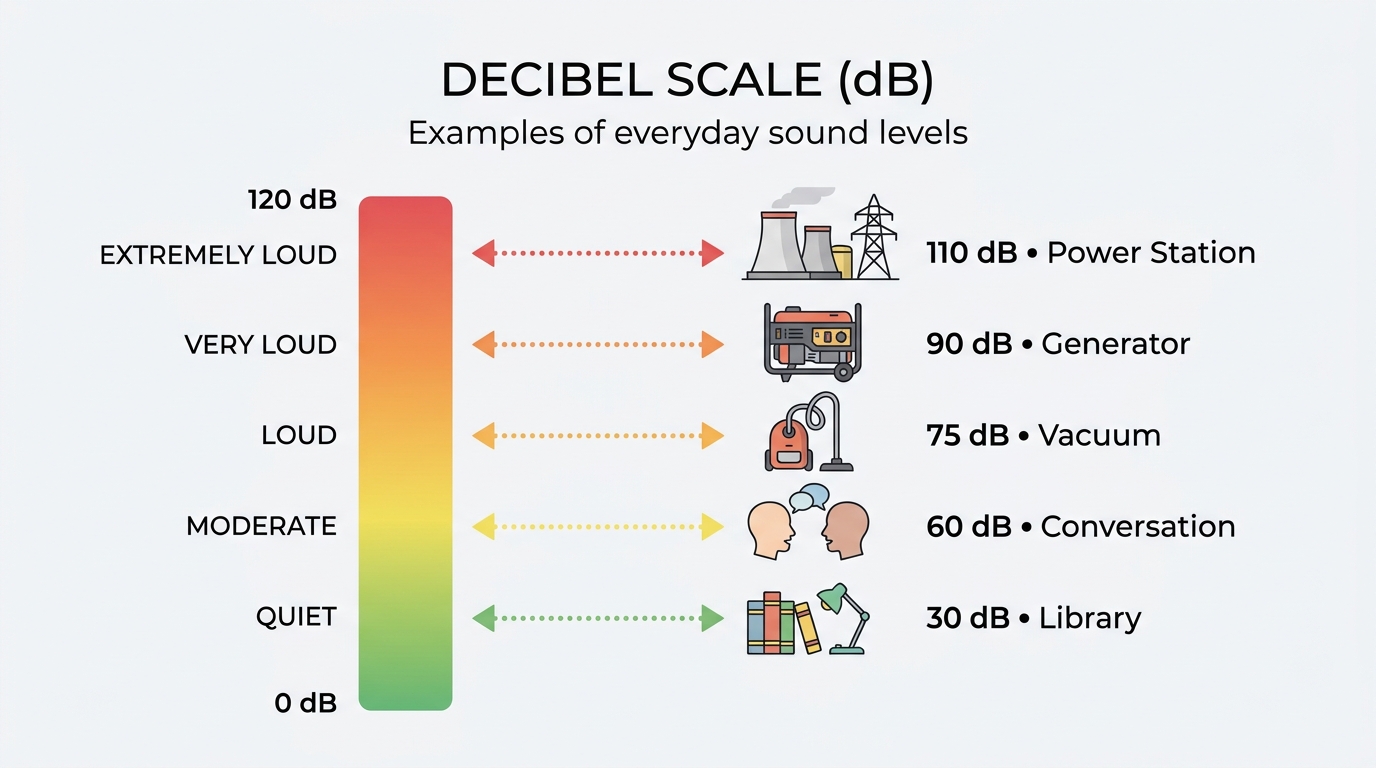
Decibels are logarithmic. A 10 dB increase is commonly described as roughly a doubling of perceived loudness, as one noise comparison explains, so a 55 dB fan sounds much louder than a 45 dB one, not slightly louder.
| Source | Approximate dB |
|---|---|
| Quiet library, rustling leaves | 20 to 40 |
| Large power station, light use (a reviewer measured under 30 dB on the EcoFlow DELTA Pro 3) | under 30 |
| Power station at idle or light load | about 30 to 45 |
| Normal conversation | about 60 to 65 |
| Power station, heavy sustained load | about 40 to 70, brand-dependent |
| Vacuum cleaner | about 70 |
| Gas generator | about 70 to 90 |
The DELTA Pro 3 figure comes from Cybershack's review, which found it under 30 dB in use, with exhaust air around 40°C. Another comparison reports a 2,048Wh station measuring about 45 dB at idle, with its fan only starting above roughly 800W of continuous draw, according to VolteNest.
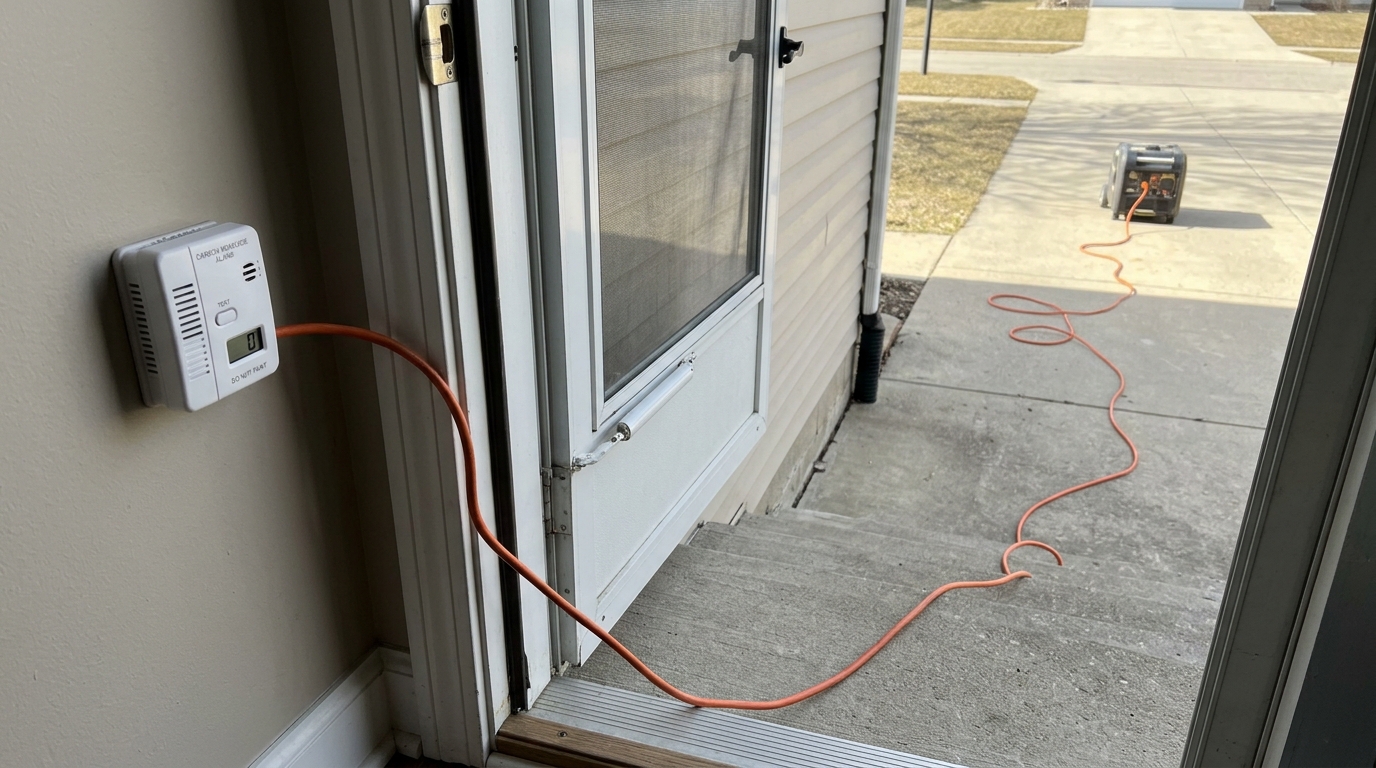
That is one unit; your station's threshold will differ, so check reviews of your model. Generators are different in kind: they run an engine, and they also produce carbon monoxide, which is why they never belong indoors. See the CPSC's guidance and our power station vs. generator comparison.
A Correction: Fridges Are Not Fan-Noise Machines
An earlier version of this article said a refrigerator "regularly draws well above" the roughly 800W fan threshold. That was wrong. A modern full-size refrigerator's running draw is about 100 to 250W, as we show in our fridge runtime guide.
Only the compressor startup surges higher, for a fraction of a second, at two to five times the running watts. So a fridge may make a station's fan bump briefly at startup, but it does not hold the fans on.
The loads that sustain fan noise are heating and cooking appliances: kettles, microwaves, hot plates and space heaters, plus a window AC working hard.
Which Loads Keep Fans Quiet
Using the 800W threshold from that one test as a rough guide:
- CPAP (40 to 130W): well under the threshold. See our CPAP runtime guide.
- Router and modem (about 18W): negligible. See the router wattage guide.
- Laptop and monitor (about 65W): quiet; see our home office guide.
- Fridge (100 to 250W running): quiet, with startup bumps.
- Window AC (about 290 to 480W average): may be near the threshold on small units. See our window AC guide.
- Space heater (750 to 1,500W): above threshold, so expect fans. See our space heater guide.
Why Noise Matters at Night and on Calls
A bedroom needs low background noise to sleep. Commonly cited guidance suggests keeping bedroom noise around 30 dB or lower, which is below many stations' idle level at close range. In practice, many users are fine with a unit at 35 to 45 dB across the room, but a light sleeper next to a 45 dB fan may not be.
If you use a CPAP, the machine's own noise is usually louder than the station's idle, but the station's fan cycling on and off can be more noticeable than steady noise.
For video calls, a microphone can pick up a fan at even moderate levels. Place the station away from your desk, behind you or on the floor, and use a headset microphone.
How to Choose a Quiet Station
- Check the load the dB rating was measured at. A 45 dB idle spec tells you little about a 90W CPAP-plus-humidifier load or a 400W window AC.
- Check the distance. Some specs measure at 1 meter, others closer, and the difference matters.
- Look for the fan-trigger threshold in independent reviews. That number predicts your real experience.
- Look for a quiet or sleep mode. Some units let you lower fan speed or limit charge rate.
- Compare models, not brands. Noise varies within a brand by model and age.
- Read reviews that mention charging noise. A unit can be quiet in use and loud while recharging.
For model-level differences beyond noise, see our reviews of the EcoFlow DELTA Pro 3, Anker SOLIX F3800 and Anker SOLIX C1000X.
Practical Ways to Reduce Noise
- Move it away from the bed. Distance cuts perceived loudness. A few feet helps.
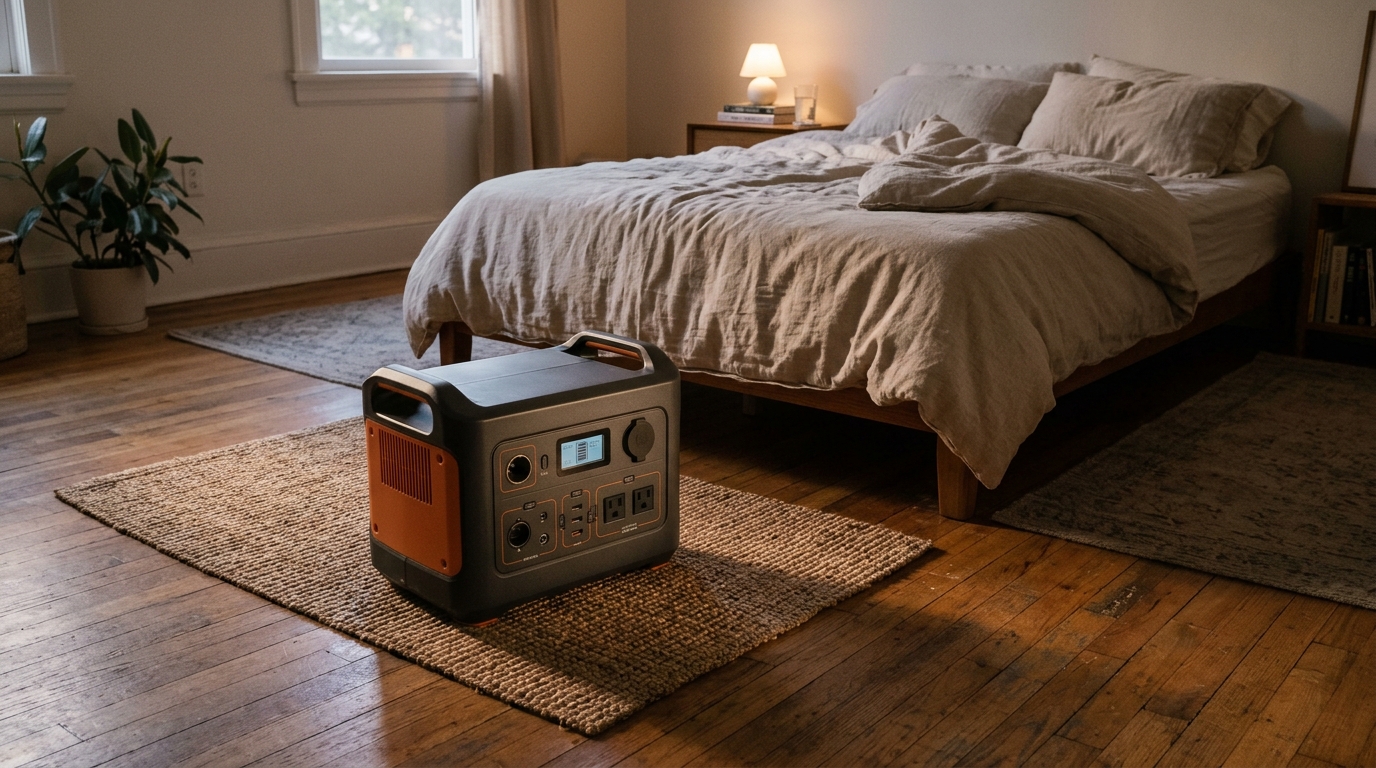
- Put it on a soft surface or a small mat to reduce vibration, but never block vents or put it on bedding.
- Charge it in the day, not overnight, so fast-charging fans do not run while you sleep.
- Lower the charging rate if the unit lets you.
- Do not cover it. Fans run longer if heat cannot escape.
- Keep it cool. A unit in a hot room needs its fans more. See our hot garage storage guide.
- Avoid heavy loads at night. Run the kettle in the evening, not at 2 a.m.
A Worked Example: A Night With a CPAP and a Fridge
Suppose a station runs a CPAP (about 60W) and a router and modem (about 18W) overnight, and a fridge (about 150W running) in the next room.
The combined running draw is about 230W, far below the roughly 800W threshold one reviewer found for a 2,048Wh unit, so on a unit like that you would expect the fans to stay off or low most of the night. The exception is the fridge compressor starting, which briefly raises output demand.
If you then add a 1,000W microwave for two minutes to warm a meal, the draw exceeds the threshold and fans may spin up for a few minutes afterward as the unit sheds heat. The lesson is that noise follows your busiest moments, not your average load, so schedule heavy cooking away from sleep.
Noise and Ventilation in Small Spaces
In a small apartment bedroom, sound reflects off walls and furniture, so the same fan noise seems louder than in a large room. A unit in a closet with the door shut may be quieter to you but hotter, which makes the fans run more.
Leave the door open or cracked and keep vents clear. A soft rug under the station reduces vibration noise from a hard floor. Renters in particular may share walls, so heavy-load use at night is a courtesy issue as well as a comfort one. Our renter outage checklist covers apartment-specific planning.
Quiet Operation and Safety
Quiet does not mean you can ignore ventilation. Fans exist because the unit makes heat. Leave space around the vents, keep it on a hard, stable surface, and keep it out of enclosed cabinets. A power station has no exhaust fumes, which is its big advantage over a generator, but it still needs airflow.
FAQ
Are power stations quiet?
Much quieter than generators, but fans can run under load or fast charging.
Is a power station quiet enough for CPAP use?
Usually yes, because CPAP loads stay well below the level where fans ramp up. Check reviews of your model.
How loud is a power station compared with a generator?
A station is often around 30 to 45 dB at idle and up to about 70 dB under heavy load; generators run roughly 70 to 90 dB.
Why is my power station loud while charging?
Fast charging makes heat, so fans run. Slower charging is quieter on most units.
Will a power station disturb a video call?
Not at low loads, if you place it away from the microphone.
The Bottom Line
Power stations are dramatically quieter than generators, but quiet is not uniform across brands, loads or charging modes. CPAP, router and home-office loads usually stay in the quiet range.
Heating and cooking loads are what trigger loud fans, and fast charging can too. Match your expectations to your actual load, not just the idle number on the box.
Noise figures vary by unit, load and measurement method. Check independent reviews of your specific model.