Last updated: November 2026. Method note: wattage ranges come from the cited manufacturer and industry guides, and runtimes are our own arithmetic using a conservative 85% usable-capacity assumption. We have not measured your equipment, and we explain how you can in the section on measuring your own draw.
Affiliate disclosure: some links on this page may earn Trendifacts a commission at no extra cost to you. It does not change our recommendations.
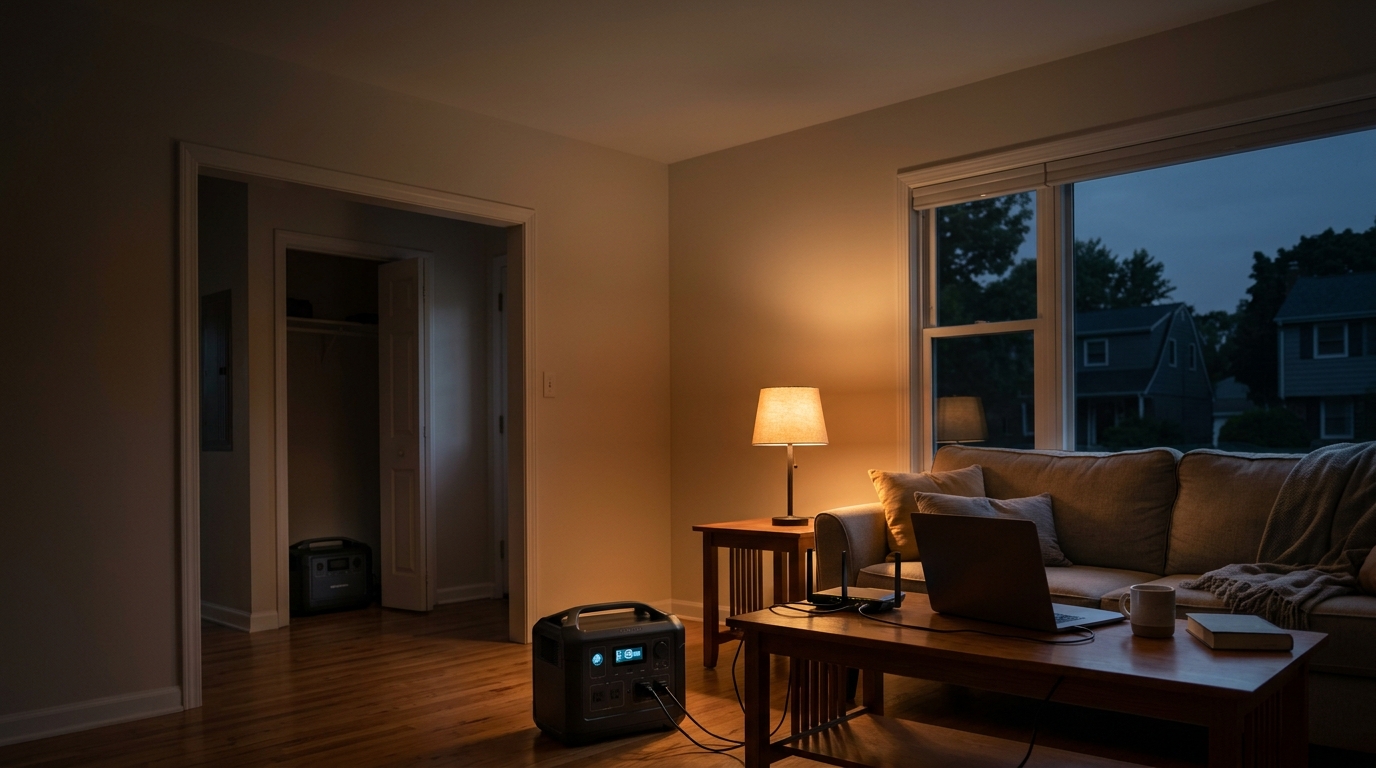
A typical home wifi router draws about 5 to 20 watts, and a cable or fiber modem adds roughly 4 to 12 more. A router plus modem together is about 18 watts, and a two-node mesh system with a modem is about 30 watts. On a small 300Wh power station that works out to roughly 14 hours of router-and-modem runtime; on a 1,000Wh station, about 47 hours. Keeping your internet up is among the cheapest jobs a power station can do, as long as you power every device between the wall and your phone.
This guide gives you the wattage by device type, a runtime table across five battery sizes, a daily energy and cost calculation, a method to measure your own gear with a $20 meter, and the mistakes that leave people with a glowing router and no internet.
The Short Answer
- Router only: 5 to 20W.
- Router plus modem or ONT: about 18W is a good planning number.
- Mesh (two nodes) plus modem: about 30W.
- Daily energy: about 0.43 kWh per day at 18W, which costs under 10 cents of grid electricity at U.S. average rates.
- Always power the modem or ONT too. A router without one has no internet source.
How Many Watts Does a Wifi Router Use?
Independent guides, including Renogy and EcoFlow, put the typical range at 5 to 20 watts, with roughly 10 watts as a reasonable average for a standard router. Where yours lands depends on the type:
| Device | Typical wattage |
|---|---|
| Basic entry-level router | 5-10W |
| Mid-range router | 10-15W |
| High-performance gaming or Wi-Fi 6/7 router | 15-20W |
| Each mesh node | 6-18W |
| Cable or fiber modem | 4-12W |
| Fiber ONT | typically a few watts; check the label |
A router barely changes its draw with traffic. Most of the power goes to running the radios and processor whether or not anyone is online, which is why there is no meaningful way to "use it less" in an outage. It is on, drawing its steady wattage, or it is off.
Why the Modem and ONT Matter
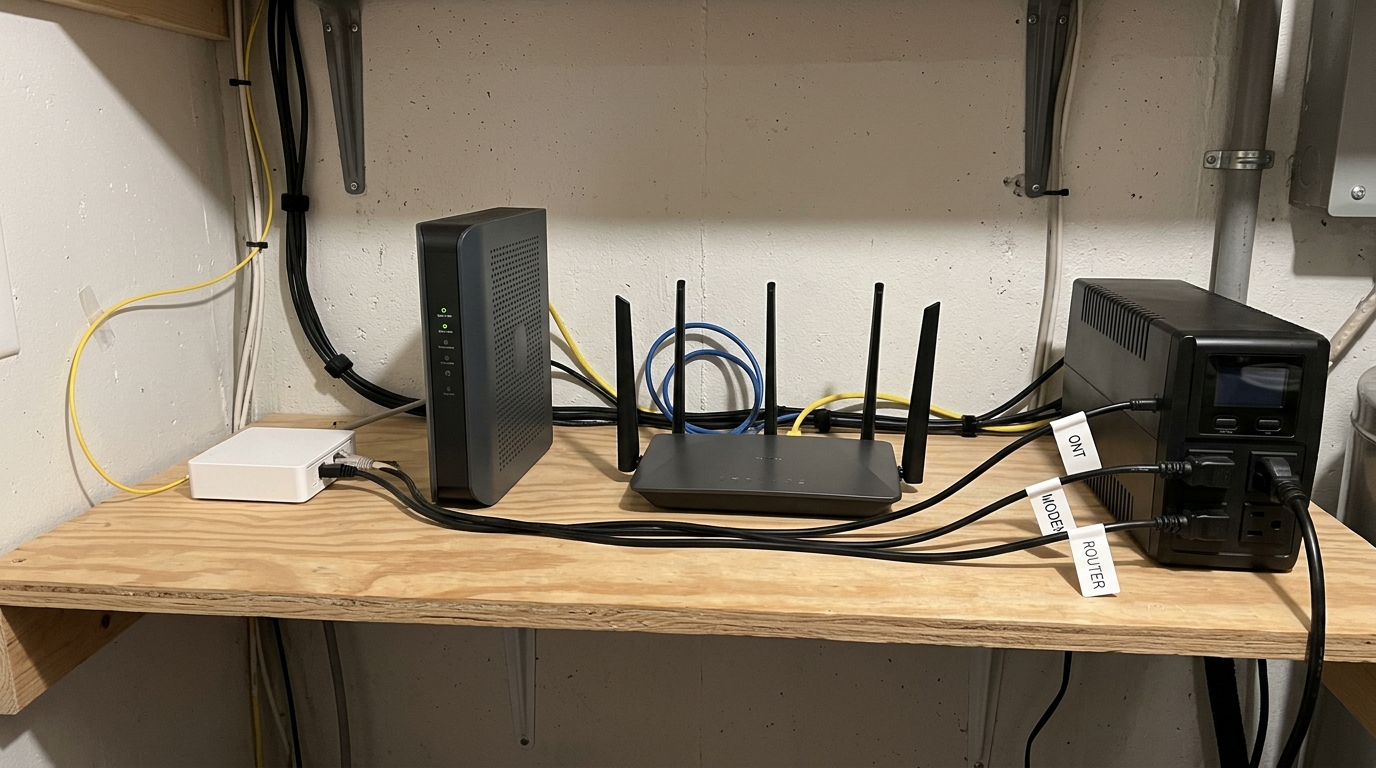
The most common outage-planning mistake is powering the router and forgetting the device that connects to your provider. If your internet comes through a cable modem or a fiber ONT (the box where fiber enters your home), that box needs power too. Anker's guide to keeping wifi on during outages lists the essentials as the modem or gateway, the router, the ONT if you have one, and any switch the connection passes through. A combined modem/router gateway is already one wattage number. Separate boxes add together.
Some fiber installs include a battery backup, but it may not cover internet. Verizon says its Fios battery backup unit provides up to 8 hours of backup for voice service, including 911, and that internet and TV are not supported during an outage. Check what yours covers before assuming you are protected.
Runtime on Different Battery Sizes
We divide usable watt-hours (about 85% of rated capacity) by watts. These runtimes are in hours:
| Setup | Draw | 300Wh (255Wh usable) | 500Wh (425Wh) | 1,000Wh (850Wh) | 2,000Wh (1,700Wh) |
|---|---|---|---|---|---|
| Basic router only | 8W | 32 | 53 | 106 | 212 |
| Router + modem | 18W | 14 | 24 | 47 | 94 |
| Mesh (2 nodes) + modem | 30W | 8.5 | 14 | 28 | 57 |
| Router + modem + small fan | 58W | 4.4 | 7.3 | 14.7 | 29 |
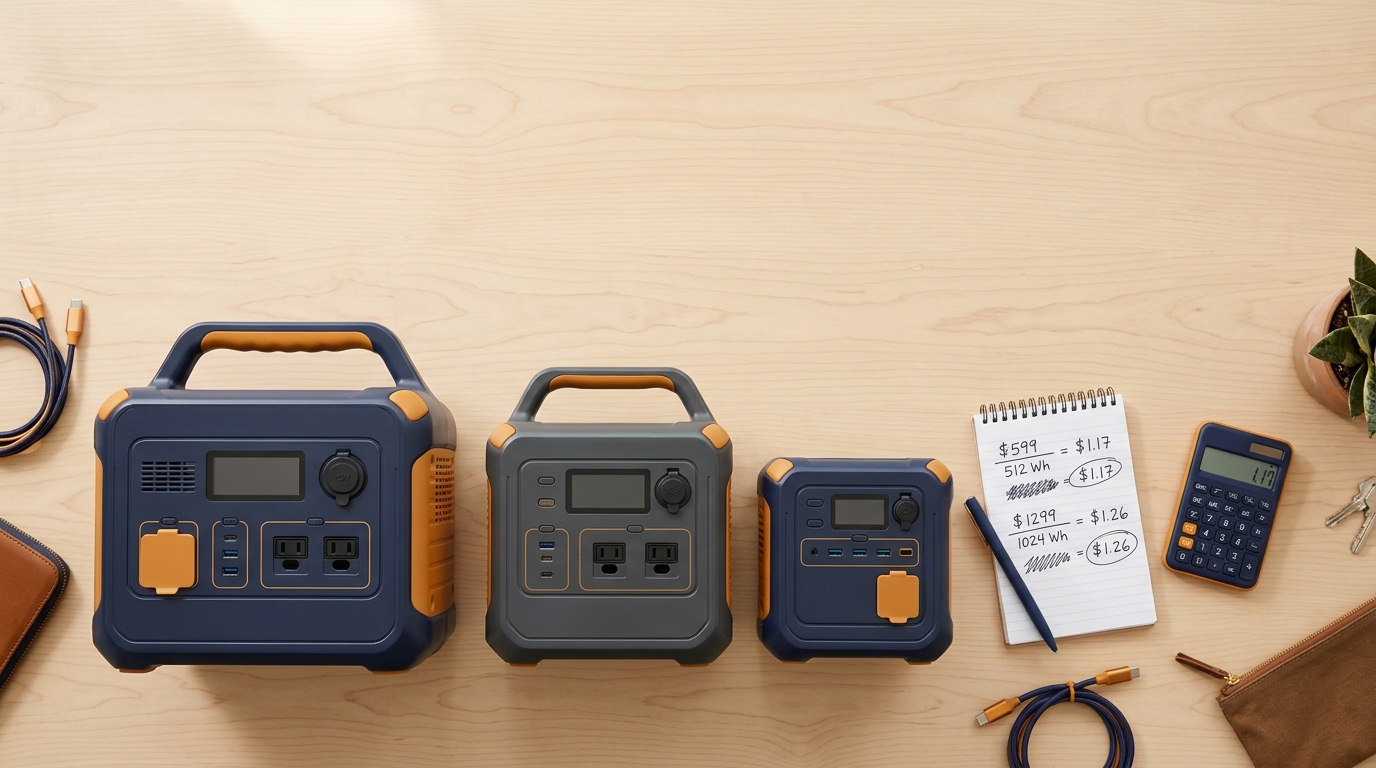
Takeaway: you almost never need a big power station just for wifi. A compact 300Wh unit covers about half a day of router-and-modem runtime, and a 500Wh unit covers about a day. If wifi is all you protect, our under-$500 picks are more than enough. If you also have a CPAP or fridge, the larger unit's capacity gets shared, and our sizing chart helps you divide it.
Daily Energy and Cost
At 18W, a router and modem use 18 x 24 = 432Wh per day, or 0.43 kWh. At an average U.S. residential rate near 17 cents per kWh (the EIA reported 17.3 cents for 2025), that is about 7.5 cents a day, or roughly $2.25 a month. The cost matters less in an outage than the energy budget: 432Wh a day is about half of a 1,000Wh station's usable energy, which is why a fridge and CPAP deserve attention before extras. See our annual cost guide.
How to Measure Your Own Draw
Published ranges are a guide. Your numbers are better.
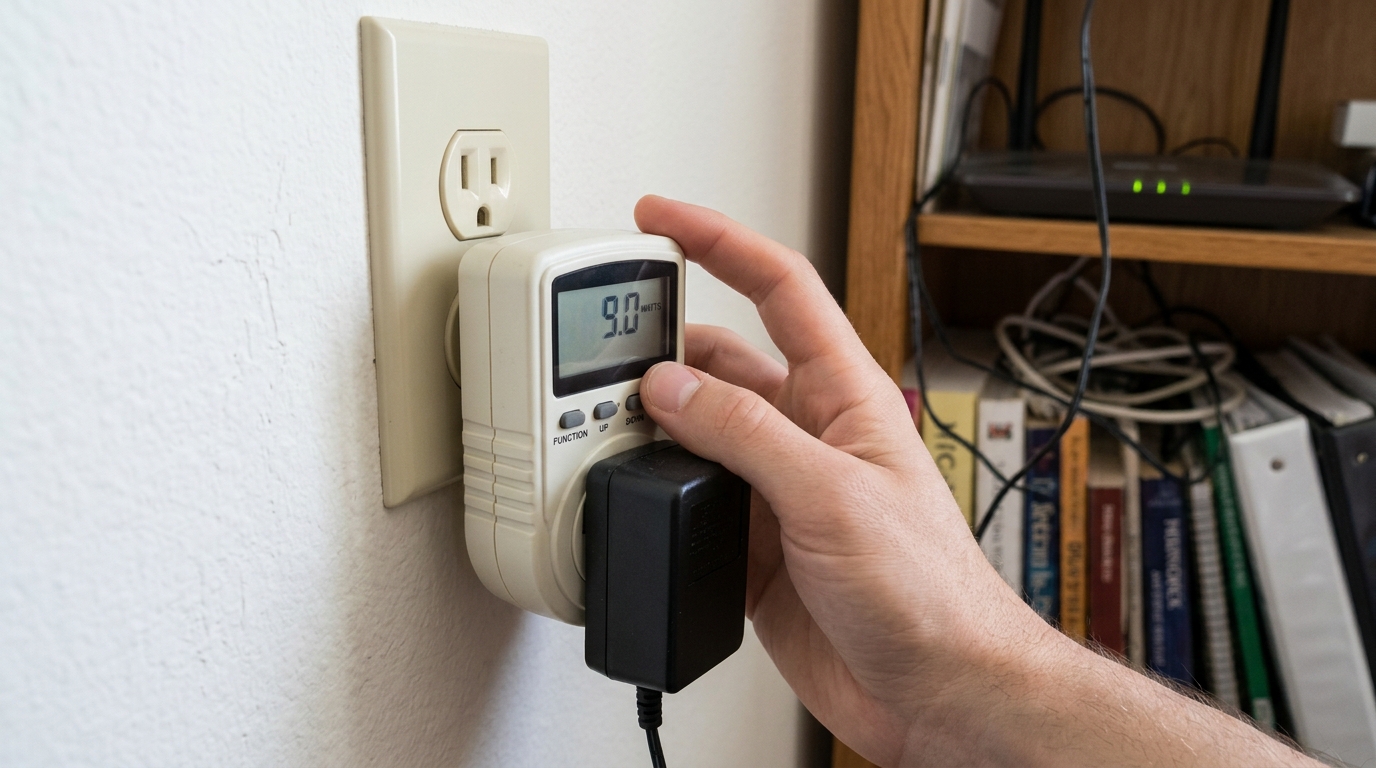
- Buy a plug-in watt meter (about $20).
- Plug the router's power adapter into the meter, then the meter into the wall.
- Record idle and busy readings. Stream video on a device while you read it.
- Repeat for the modem or ONT.
- Add them together. That is your outage wattage.
If your devices run on low-voltage DC adapters, the label shows voltage and current (for example 12V, 1.5A, which is up to 18W). The label is a maximum, so your measured number is usually lower. We walk through connecting those devices directly to a battery in our step-by-step wifi backup guide.
Do You Need a Full-Size Power Station Just for Wifi?
No. This is where people overspend. A 250 to 300Wh unit gives about 14 hours of router and modem at 18W, or a day or more with a basic 8W router alone. That is enough for most overnight outages, and it leaves your larger station free for loads like a CPAP machine or a refrigerator. If you work from home and need a laptop and monitor too, the combined draw is higher; see our home office blackout guide.
Power Station, Mini UPS or Phone Hotspot?
| Option | Best for | Catch |
|---|---|---|
| Phone hotspot | A few hours, one or two devices | Drains the phone, may hit data limits |
| Mini DC UPS | A few hours, automatic switchover | Small capacity, voltage must match |
| Power station | A night or several days | Costs more, heavier |
Whichever you pick, test it. Unplug the power at the wall on a normal day and confirm the router and modem boot and a page loads. Some units take long enough to switch that a router reboots.
What Changes the Numbers
- Router age and load. Older routers or heavy traffic pull toward the high end.
- Mesh systems. Each node draws its own power. Check each node's label. You can often run just one node.
- Switches and extra equipment. A network switch, a camera hub or a smart-home bridge adds a few watts each.
- Inverter overhead. Plugging a 10W adapter into an inverter wastes some energy as heat, which is why a direct DC connection can stretch runtime. We cover the cable step in the step-by-step guide.
- Provider outages. If your provider's network is down, a powered router will not help. Check the outage page on your phone first.
A Worked Example: A Two-Night Outage in a Small Apartment
Say you have a cable modem (8W), a router (10W) and you want to charge two phones and run a laptop for four hours a day. The router and modem give 18W, or 432Wh a day. Two phone charges add about 20Wh, and a laptop at 40W for four hours adds 160Wh. The total is about 612Wh per day, or 1,224Wh over two nights. Divide by 0.85 and you need about 1,440Wh of rated capacity, so a 1,500Wh station covers it with a thin margin. If you drop the laptop and turn the router off while you sleep, the daily figure falls to about 20Wh plus 18W for 16 hours (288Wh), roughly 310Wh, and a 500Wh station is plenty. Notice how much the choices you make, not the battery label, change the answer.
Wifi Calling, Cell Signal and Other Fallbacks
A powered router only helps if the connection behind it works. During a regional storm, cell towers can be congested or down, and cable or fiber lines can be damaged even where power is on.
Before you buy anything, check whether your phone supports wifi calling, which routes calls through your home internet, and whether your provider publishes an outage map you can read on mobile data. Keep a battery-powered or hand-crank radio as the fallback for emergency information, and a charged phone power bank as a no-setup option.
For preparedness lists, Ready.gov recommends a battery-powered radio and extra phone charging capacity.
Common Mistakes
- Powering the router but not the modem or ONT.
- Using the router's label rating as the average draw, which overstates it.
- Forgetting that a mesh system has several nodes.
- Assuming a battery rated for 300Wh gives 300Wh of runtime. Subtract 15% for conversion.
- Skipping a test until the storm.
FAQ
How many watts does a wifi router use?
About 5 to 20 watts, with about 10W a common average.
How long will a power station run a router and modem?
About 14 hours on 300Wh, 24 on 500Wh, and 47 on 1,000Wh at 18W.
Does a router use more power when more devices connect?
Slightly. Most of the draw is constant.
Can I run wifi during a power outage without a power station?
For short periods, a phone hotspot or a mini UPS works. See the table above.
Is 18 watts the right number for me?
It is a planning figure. Measure yours with a watt meter.
Will wifi work if the cell network is also down?
Your router needs a working internet connection from your provider. Power backup cannot fix a provider outage.
The Bottom Line
Keeping your internet running is one of the lowest-cost, longest-lasting uses of a power station: about 14 hours from a small unit, about two days from a 1,000Wh unit, even with a separate modem. The most common mistake is forgetting the modem or ONT. Check both labels, measure if you can, and test before the storm.
Wattage and runtime figures are estimates. Check your devices' labels and your backup's specifications.